Wan 2.7 · Visual creation
1080p Full HD Video Output
Every video can be rendered up to 1920×1080 for social media, brand content, and presentations.
Demo footageWan 2.7
Reference footage, not a result generated in your account.
Build a visual idea with Wan 2.7 using text or an image. Choose your settings, generate a video, and follow the result in one workspace.
Output preview
1080P · Adaptive · 5sYour video will appear here
Choose your inputs and select Generate video to start. Completed videos appear only after generation and saving succeed.
You can leave this page and check your task in generation history.
View generation historyEvery video can be rendered up to 1920×1080 for social media, brand content, and presentations.
Reference footage, not a result generated in your account.
Subjects and objects stay stable across frames with smoother, intentional motion.
“Two friends having coffee at an outdoor café, handheld camera, afternoon light. Keep the subjects consistent as the camera moves closer.”
Describe scenes in natural language and Wan 2.7 renders multi-element visuals in English or Chinese.
Upload still images and animate them into flowing clips while preserving source style.
Generate connected shots with consistent subject and visual continuity across clips.
Prepare prompts and settings now. Live generation and output retrieval will be enabled after the model service is connected.
If you want the broader workflow that maps directly to Wan 3.0, follow the step-by-step Wan 3.0 guide.
Step 1
Wan 2.7 supports two generation modes. Text-to-Video lets you describe scenes in natural language. Image-to-Video lets you upload a still image and animate it with natural motion and consistent style.
Step 2
For T2V, describe subject, setting, lighting, mood, and camera movement. For I2V, upload your image and optionally add a motion prompt. Wan 2.7 supports both English and Chinese prompts.
Step 3
Choose 720p for faster results or 1080p for full HD output. Select Cinematic, Realistic, Anime, or Abstract styles, then set duration and aspect ratio.
Step 4
Prepare your settings and explore the demo player. Live rendering and result downloads will become available after the model service is connected; this preview does not consume credits.
Explore example scenes and prompt ideas, from cinematic shots to product imagery and animation. These are reference examples, not videos generated in your account.

Text to Video · Cinematic
A man walking down a cobblestone street at dusk, slow tracking shot, warm street lights
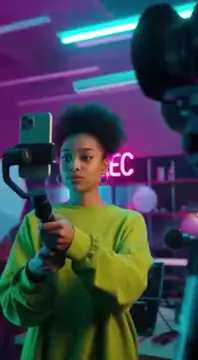
Multi-Subject · Realistic
Two friends having coffee at an outdoor café, handheld camera, afternoon light
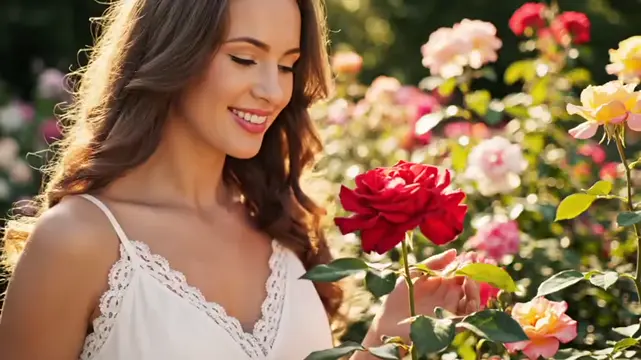
Product / Brand · Studio
Luxury watch rotating slowly on a black reflective surface, dramatic lighting
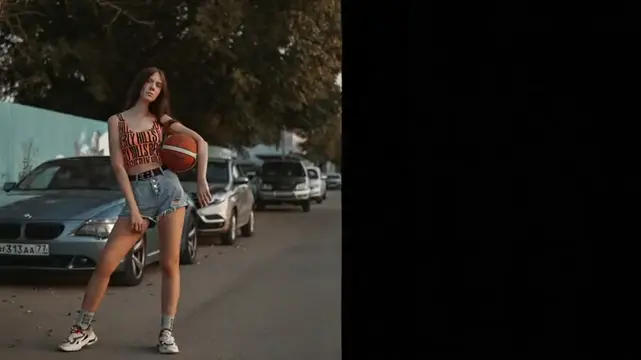
Anime Style
Anime character running through cherry blossom petals, side-scroll camera
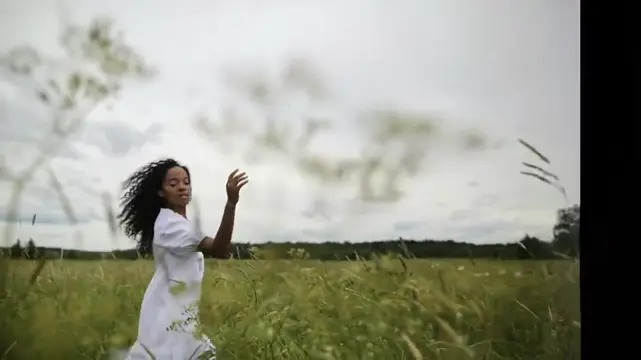
Image to Video · I2V
Portrait photo → animated with gentle head turn and wind in hair
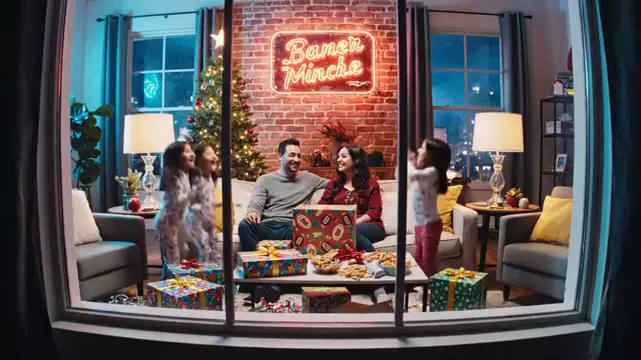
Landscape · Nature
Ocean waves at sunrise, slow tilt up from water to horizon, cinematic grade
Wan 2.7 is the current recommended version. Here's how it compares to previous versions — and what's coming in Wan 3.0. For live credit packs and model costs, check the pricing page.
| Feature / Spec | Wan 2.5 | Wan 2.6 | Wan 2.7 | Wan 3.0 |
|---|---|---|---|---|
| Max resolution | 1080p | 1080p | 1080p | 1080p |
| Text-to-Video | ✓ | ✓ | ✓ | ✓ Enhanced |
| Image-to-Video | ✓ | ✓ | ✓ | ✓ Enhanced |
| Motion consistency | Standard | Improved | Enhanced ✓ | Full upgrade |
| Multi-shot sequences | — | — | ✓ New | ✓ |
| Multi-subject consistency | — | — | Partial | ✓ Full |
| Real-time preview | — | — | — | ✓ New |
| Camera motion control | — | — | Partial | ✓ Full |
| Audio generation | ✓ | ✓ | ✓ | ✓ (Improved) |
| API access | — | — | Not connected | Not connected |
| Status | UI preview | UI preview | UI preview | UI preview |
How does Wan 2.7 compare to the other leading AI video generators? Here's an honest side-by-side.
| Feature | Wan 2.7 | Sora | Runway Gen-3 | Kling | Pika |
|---|---|---|---|---|---|
| Max resolution | 1080p | 1080p | 1080p | 1080p | 1080p |
| Free tier | Credit packs | No | Limited | ✓ Yes | ✓ Yes |
| Text-to-Video | ✓ | ✓ | ✓ | ✓ | ✓ |
| Image-to-Video | ✓ | Limited | ✓ | ✓ | ✓ |
| Chinese prompt support | ✓ Optimized | Limited | Limited | ✓ | Limited |
| Multi-shot sequences | ✓ | Limited | ✓ | Limited | — |
| Motion consistency | Enhanced | Strong | Strong | Strong | Moderate |
| API access | Not connected | Limited | ✓ | Limited | — |
| No watermark (free) | To be confirmed | N/A | Paid plan | Paid plan | Paid plan |
| Ease of use | Simple | Complex | Moderate | Simple | Simple |
Reference comparison adapted from the source layout, not a live capability check. Provider features may change. This site currently provides a workspace preview; model availability, output limits, and download options are subject to the connected service.
Wan 2.7 is the current recommended Wan model for live production use. It combines 1080p output, Wan 2.7 text to video, Wan 2.7 image to video, and stronger motion consistency in one workflow. For users searching wan 2.7 ai video generator, this page provides direct access to the live tool with no download and no complex setup.
Explore the Wan 2.7 workspace alongside Wan 2.5 and Wan 2.6 to compare text, image, reference, and editing workflows. The examples illustrate visual possibilities; final output and supported settings depend on the connected model service.
To get better results, build prompts in layers: subject, environment, camera behavior, and style. Example: describe who is in the frame, where the scene takes place, how the camera moves, and what visual treatment you want. This structure helps Wan 2.7 prompts produce more stable and controllable outputs.
Choose monthly or annual subscriptions, or one-time credit packs on the pricing page. Select Generate video when your inputs are ready; insufficient credits take you to Pricing. Preparing inputs and watching examples does not consume generation credits.
Wan 2.7 submits text and first-frame image requests through the Polaris video API. Actual resolution and image fidelity depend on the provider. Wan 3.0 retains its own protocol, configured models, resolution prices and reference-image support.
Wan 2.7 is a live AI video generator that creates high-quality 1080p videos from text prompts or images. It's the current recommended version in the Wan series, featuring enhanced motion consistency, multi-shot sequence support, and both T2V and I2V modes.
Choose monthly or annual subscriptions, or one-time credit packs. Subscription allowances expire each service month; purchased one-time credits never expire. See Pricing for current options. If you do not have enough credits to generate a video, you will be taken to the pricing page.
The player currently shows demo videos. Download and watermark options for your generated videos will be confirmed when the generation service is available.
Wan 2.7 outputs up to 1080p (1920×1080). Wan 3.0 also supports up to 1080p and adds generation up to 30 seconds.
Yes. Upload any still image and Wan 2.7 animates it into a flowing video with natural motion and consistent visual style.
Wan 2.7 supports 1080p text-to-video and image-to-video. Wan 3.0 is available now with generation up to 30 seconds, text-to-video, image-to-video, and reference-to-video workflows.
Yes. Wan 2.7 is optimized for both English and Chinese prompts. Chinese-language inputs perform particularly well for East Asian settings, characters, and cultural contexts.
A public developer API is not available on this site yet. Model generation is being connected; the current workspace lets you explore the settings and preview example videos.
Choose a workflow, prepare your prompt, and explore the example videos.
Back to the Video Workspace →Text and image workflows · Video examples · Flexible settings